ChatGPT’s GPT Image 1.5 Update That Shocked Users
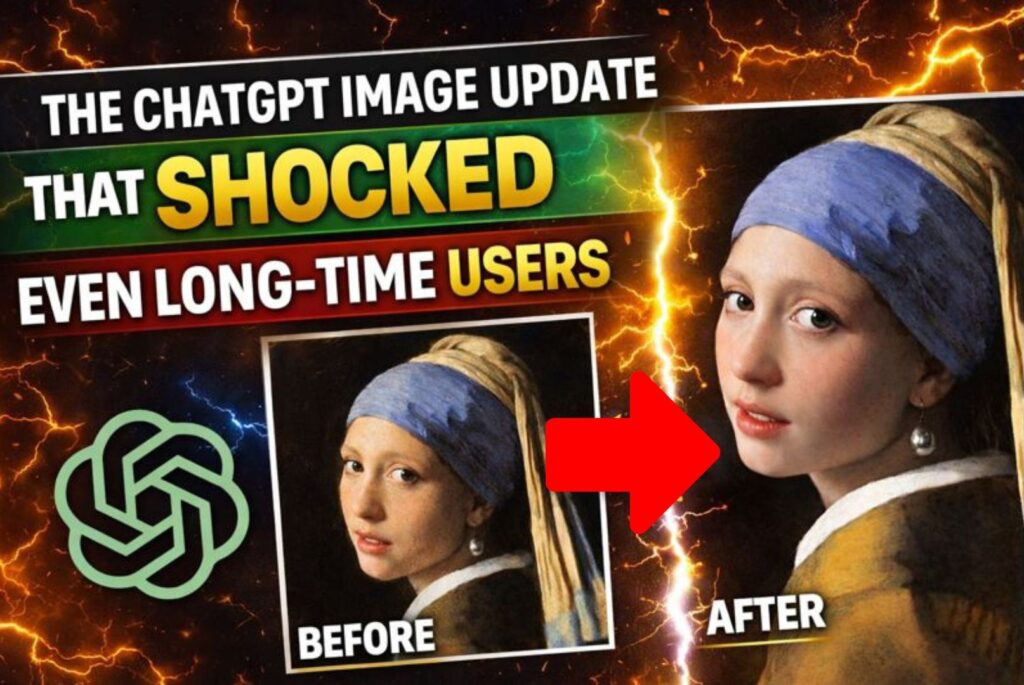
ChatGPT’s GPT Image 1.5 Update has taken many long-time users by surprise. After months of modest improvements, ChatGPT has quietly introduced a major leap in image generation that changes how users create, edit, and enhance visuals using AI. This update delivers noticeably better realism, stronger prompt understanding, and surprisingly accurate photo edits.
For many users who were close to abandoning AI image tools, this update has completely shifted expectations.
What Is ChatGPT’s GPT Image 1.5 ?
GPT Image 1.5 is ChatGPT’s latest image generation model, designed to deliver:
- Highly realistic images
- Accurate visual compositions from text prompts
- Seamless photo edits using natural language
- Consistent results on the first attempt
Unlike earlier models, GPT Image 1.5 understands context, spacing, facial structure, and visual balance far more accurately, resulting in images that feel natural rather than artificial.
How to Use GPT Image 1.5 in ChatGPT
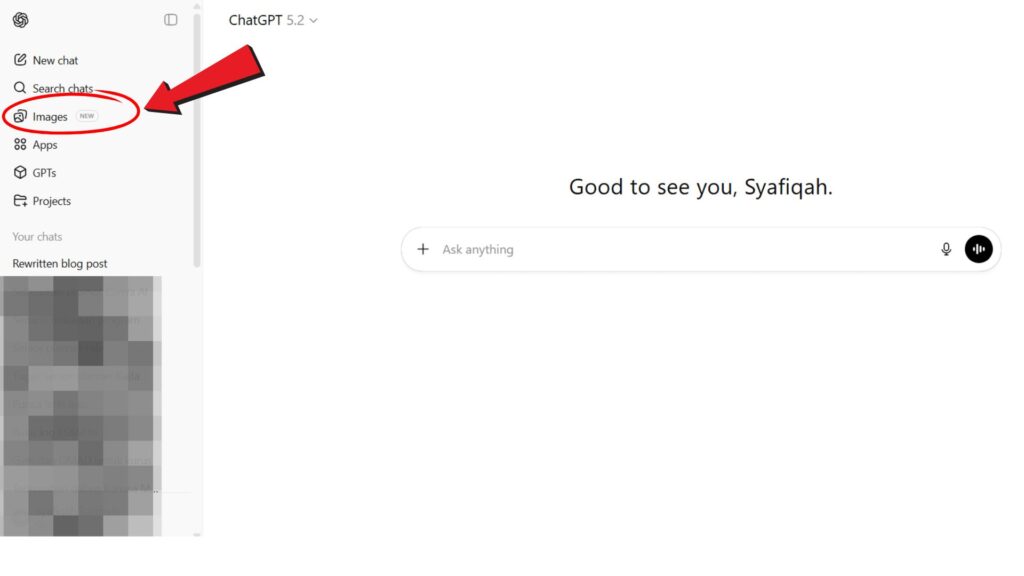
Step 1: Access the Images Tab
After logging into ChatGPT, you’ll notice a new “Images” tab on the left sidebar. Click it to open the image dashboard.
Step 2: Explore the Image Dashboard
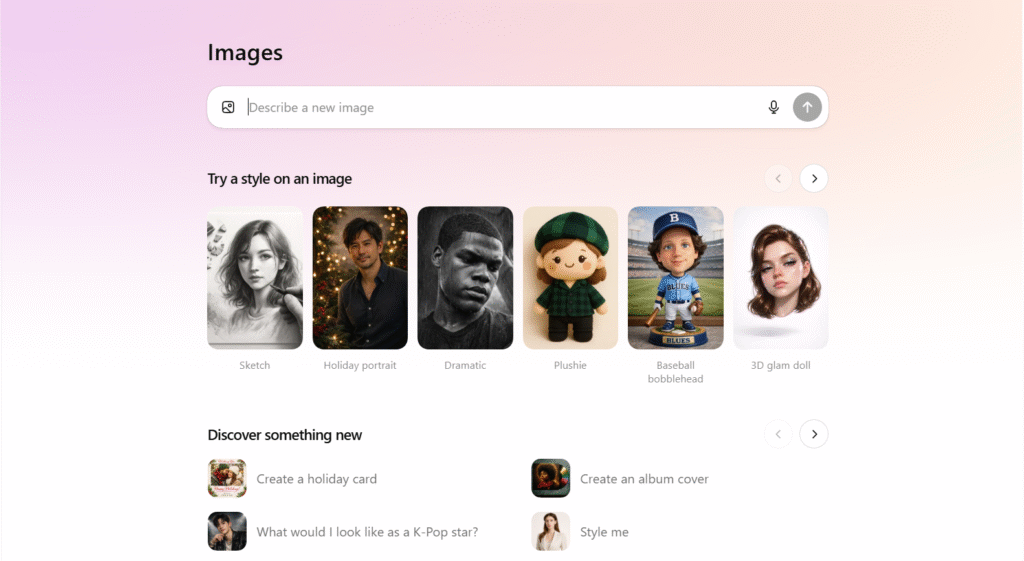
From here, you can:
- Describe any image you want to create
- Try sample image styles
- Upload images for editing
- View all images you’ve previously generated
Everything is stored in one place, making image creation organized and efficient.
Use Cases for ChatGPT’s GPT Image 1.5
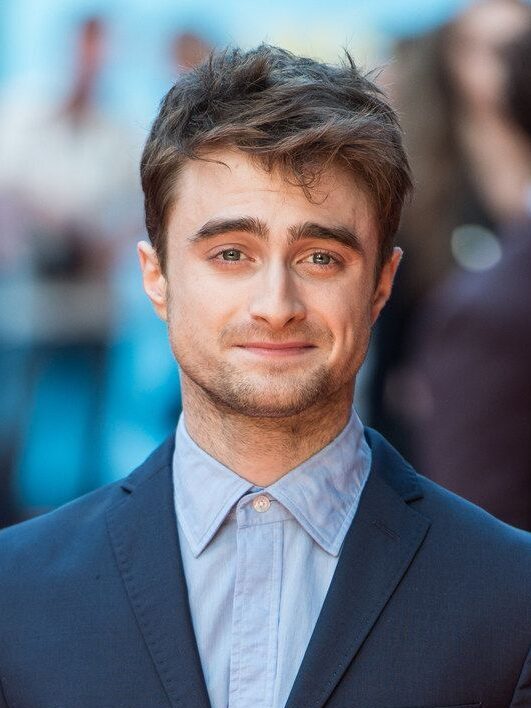
Use Case 1: Creating a Clickable YouTube Thumbnail
Before:
After:

Example prompt:
“Use the attached image of me to create a clickable YouTube thumbnail for the topic ‘Vibe Coding Hacks’.
It should be 1920×1080 aspect ratio.”
By simply uploading a photo and entering this prompt, GPT Image 1.5 generates a clean, professional YouTube thumbnail with no additional tools required—making it ideal for creators who want fast, high-quality visuals.
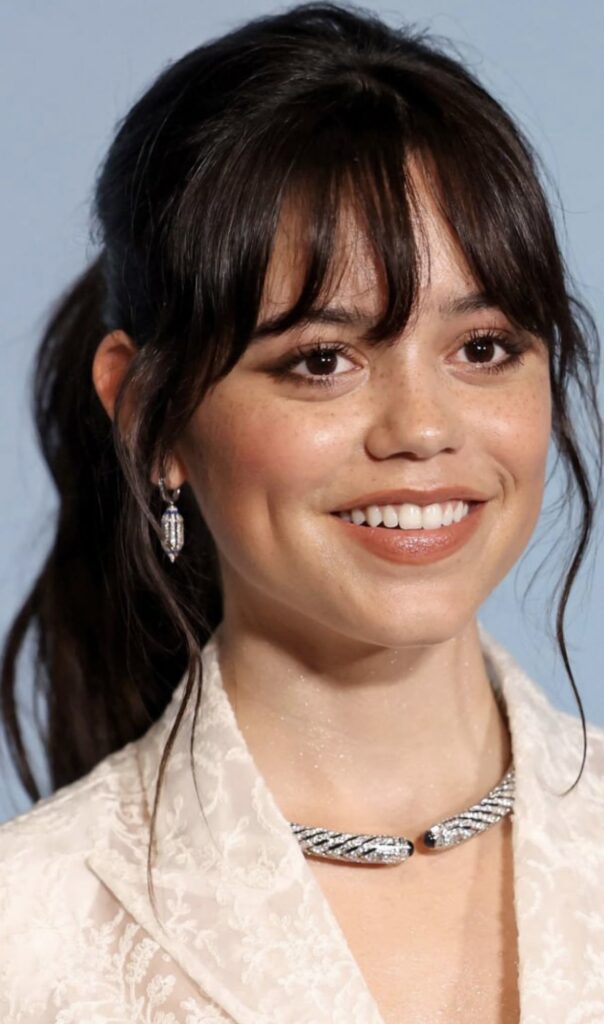
Use Case 2: Generating an Original, Realistic Scene
Before:
After:
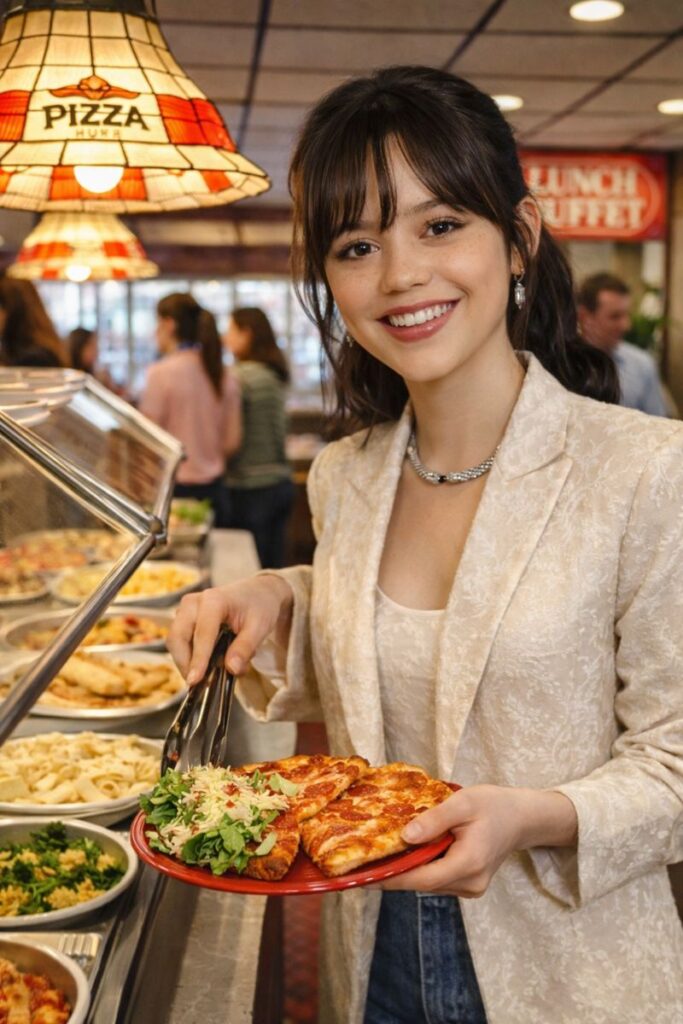
Example prompt:
“A realistic photograph taken at a 1980’s Pizza Hut. There’s a woman smiling at the Pizza Hut lunch buffet.”
With a single descriptive prompt, GPT Image 1.5 creates an image that looks like an authentic vintage photograph, accurately capturing lighting, atmosphere, and era-specific details.
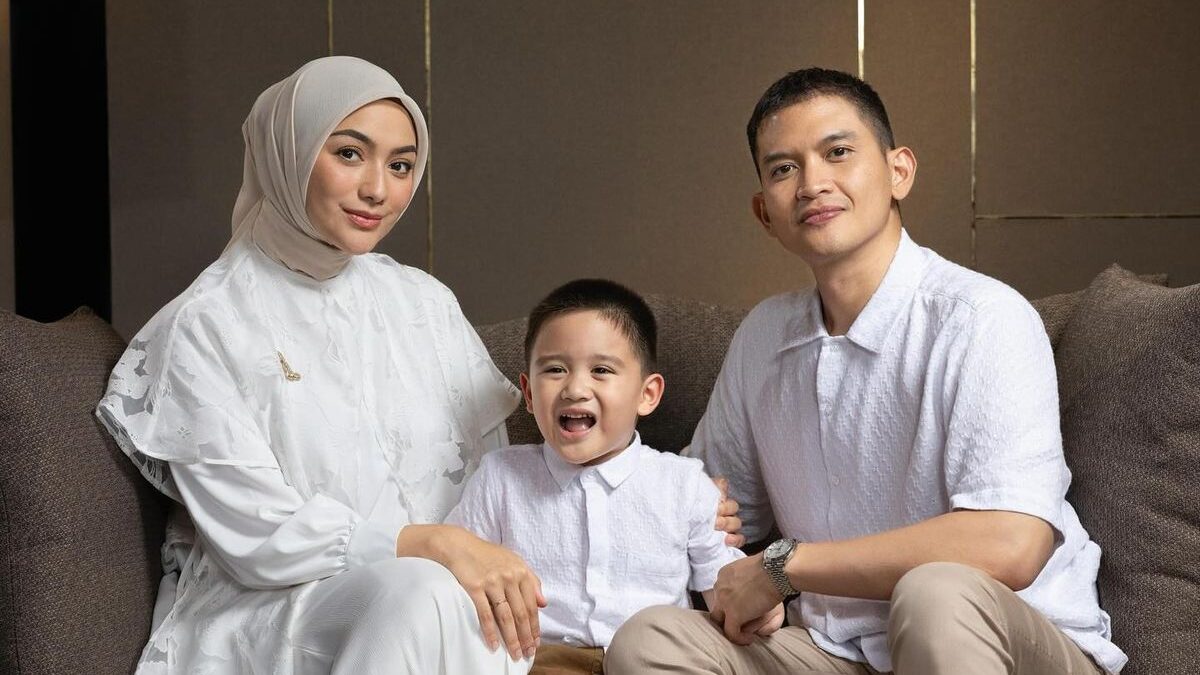
Use Case 3: Fixing and Enhancing Family Photos
Before:
After:
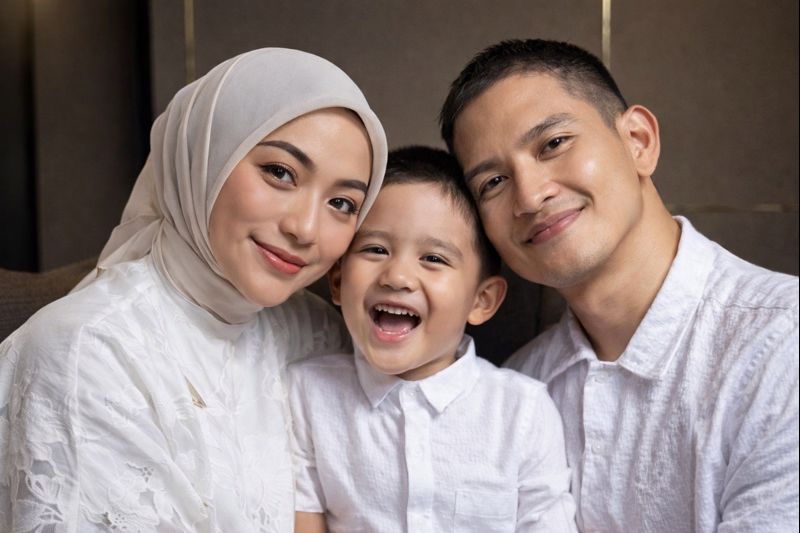
Example prompt:
“Remove the space between them and bring their faces closer together naturally.”
By giving a clear instruction in plain language, GPT Image 1.5 can edit real photos seamlessly—bringing subjects closer together while maintaining natural proportions and realism, often getting it right on the first attempt.
Use Case 4: Transforming a Person from the Past into a Modern-Day Image
Before:
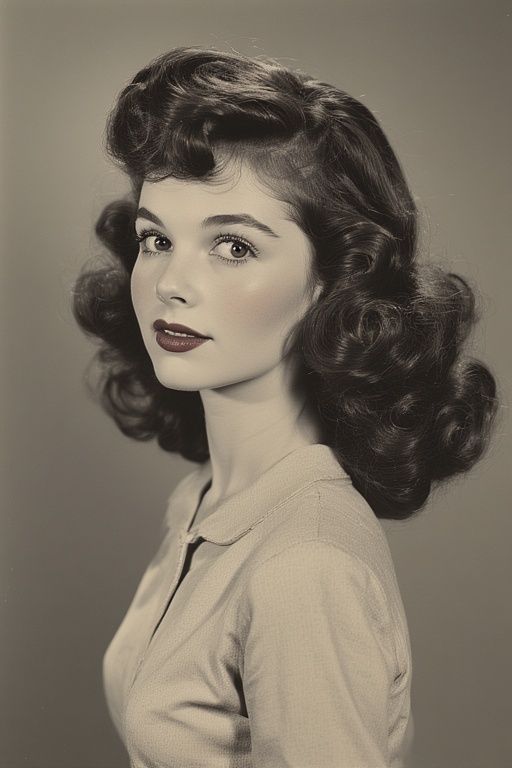
After:
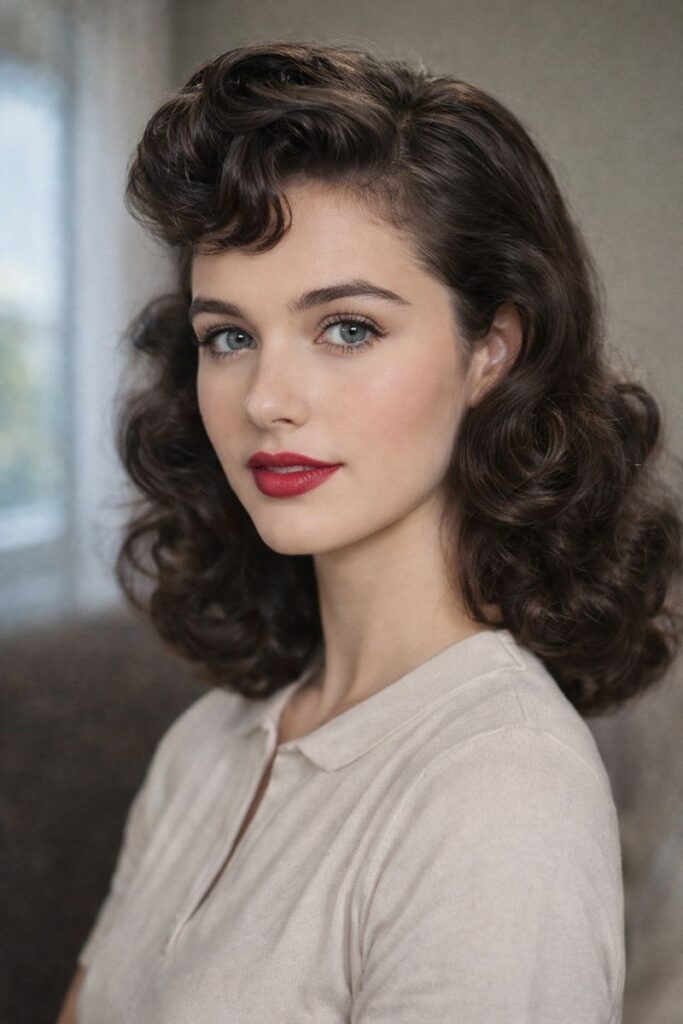
Example prompt:
“Use the attached image of a woman from the 1960s and transform him into a modern-day photograph, keeping his facial features natural and realistic.”
By uploading an old photo and providing a clear instruction, GPT Image 1.5 can modernize the subject’s appearance by updating style, lighting, and overall look while preserving identity. This makes it useful for photo restoration, creative projects, and historical visual reinterpretations.
Use Case 5: Transforming a Classic Portrait into a Photorealistic Modern Image
Before:
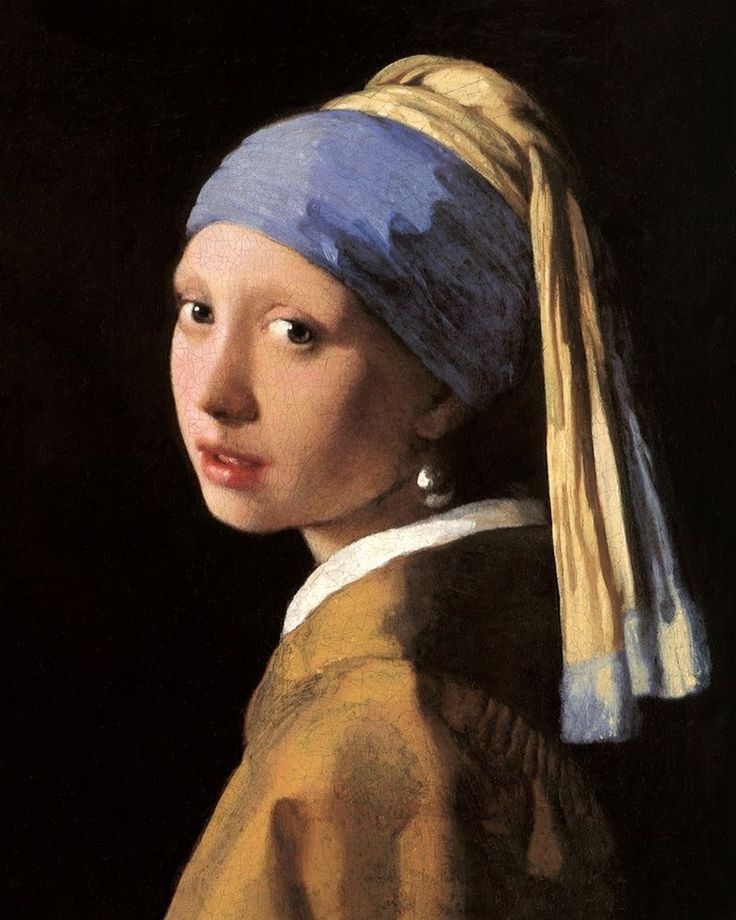
After:
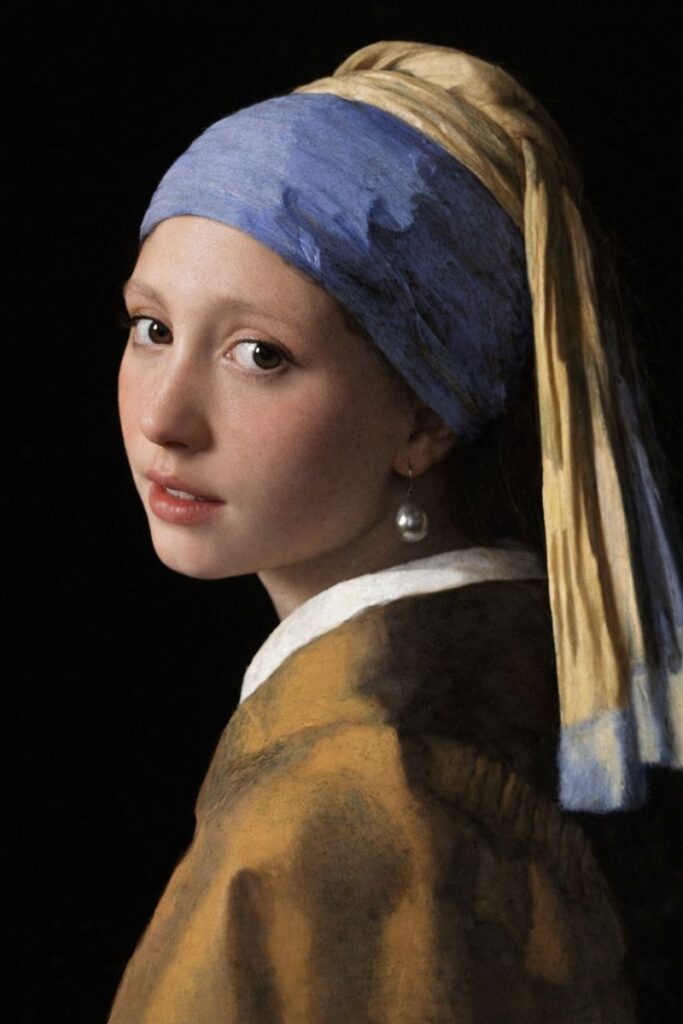
Example prompt:
“Use the attached image of a classic portrait of a woman and transform her into a modern-day, photorealistic photograph. Keep her original facial features, proportions, and expression natural and realistic. Remove all painting textures and brush strokes. Real human skin texture with subtle pores and soft imperfections.”
By uploading a classic portrait and providing a detailed prompt, GPT Image 1.5 can convert painted or stylized images into realistic modern photographs while preserving the subject’s identity. This makes it ideal for restoration work, creative reinterpretation, and historical-to-modern visual transformations.
Photo Editing That Actually Works in ChatGPT’s GPT Image 1.5
Perhaps the most impressive part of the ChatGPT image update is its photo editing capability. Users can make simple requests, such as adjusting spacing between people or improving composition and see accurate results on the first attempt.
This level of precision is rare among AI image tools and makes ChatGPT suitable for:
- Fixing family photos
- Improving portraits
- Restoring older images
- Enhancing visual balance
Why Long-Time Users Are Surprised
Many experienced users were skeptical after previous updates delivered incremental improvements. However, the ChatGPT image update represents a noticeable jump forward. The improved realism and reliability explain why so many users describe this release as unexpected and impressive.
Older image models now feel outdated by comparison.
Final Thoughts on the ChatGPT Image Update
The ChatGPT image update proves that AI image generation is evolving faster than many anticipated. With better realism, intuitive controls, and dependable photo editing, ChatGPT has positioned itself as a serious visual creation tool and not just an experiment.